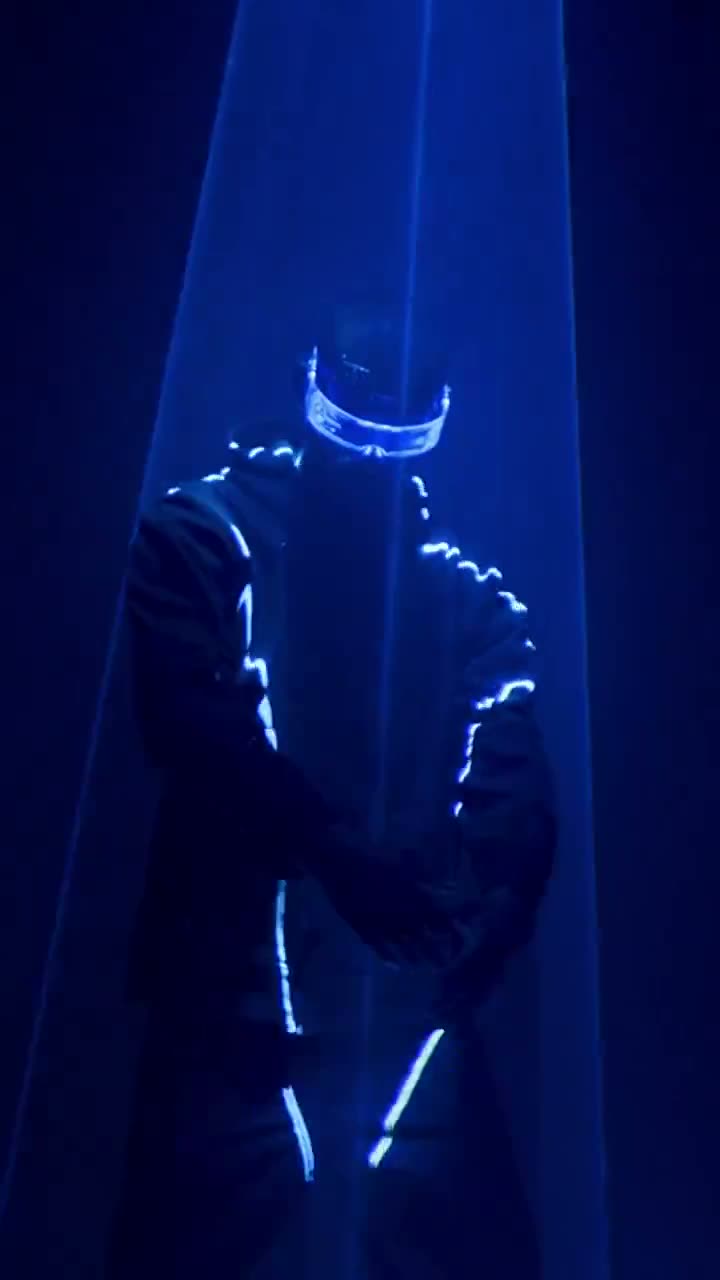
Agamemnon
See the effect.
Be the effect.
01Choose template
02Upload photo
Drop your photo here
03Make it yoursOptional
Choose a template to start
Advanced settings
Choose a template to start creating
VIDEO TEMPLATES ·84PRESETS
Choose a template,create the same effect
Explore the previews, find your favorite effect, and make it yours with a photo.
84 effects to explore
Showing 10 of 84
FROM INSPIRATION TO YOUR VERSION
Your next short starts
with one good idea.
Find a look, bring your photo, and explore what happens next.
See it first
Dynamic previews help you choose a direction.
Make it yours
Your photo gives the effect a personal starting point.
Keep it simple
Built-in instructions make prompts optional.
THE CREATIVE WORKFLOW
A clear path from
photo to possibility.
01 / PICK A DIRECTIONChoose your effect
Casual to Luxury
Your photo.
Your creative touch.
Your creative touch.
Upload an image and let the preset guide the transformation.
Start creating02 / EXPLORE THE RESULTExample effect preview
Red Carpet
01 / FIND YOUR LOOK
An idea you can see before you start.
Browse moving previews instead of staring at a blank canvas. Explore fashion, fantasy, cinematic scenes, and playful transformations in one collection.
- Watch each effect in motion
- Search by name or creative direction
- Open a preset to explore more examples
EARTH ZOOM
02 / BRING YOUR PHOTO
Start with a photo. Give it a new story.
Choose a preset and add your own image. A clear subject and good lighting give the effect a stronger starting point. Check the preset’s requirements before creating.
- Click to upload or drag in a file
- Preview and replace your photo
- Keep your subject at the heart of the idea
Casual to Luxury
03 / MAKE IT PERSONAL
The direction is ready. The details are yours.
Use the template as it is, or add an optional prompt on supported effects. Try a different mood, outfit, or setting to explore a version that feels like you.
- Start without writing a prompt
- Add details when an effect supports them
- See the credit cost before generating
Red Carpet
04 / KEEP CREATING
Make your next post part of a creative routine.
Build a collection of looks and revisit your results in My Creations. Download your finished video, then add your own caption, music, and finishing touches for your audience.
- Find previous generations in one place
- Choose vertical formats for short videos
- Share your finished file on your preferred platform
Cyberpunk
FIND YOUR WAY TO CREATE
Different creators.
Room for every idea.
The everyday creator
Turn a camera-roll favorite into an unexpected entrance, a new outfit, or a scene worth sharing.
YOUR PHOTO → YOUR MOMENTThe first-time experimenter
Pick a look you like and follow a simple upload flow. Explore what AI effects can do without building a video timeline.
A SIMPLE PLACE TO STARTThe creative team
Explore visual directions for your next short-form concept and compare different treatments using the same source photo.
MORE ROOM TO EXPERIMENTIDEAS FOR YOUR NEXT POST
Give your feed
a change of scene.
Creative starting points to try with your own photos.
KEEP EXPLORING
There’s more than one way to stand out.
LESS LEARNING. MORE CREATING.
From your camera roll to their feed.
01
Find your 'that's the one.'
Explore the previews. Pick the transformation you can already picture yourself in.
02
Bring yourself into the frame.
Upload a clear photo. Your effect comes with the creative direction already built in.
03
Make it. Save it. Share it.
Generate your version, download the result, and bring something different to your feed.
Do I need to write a prompt?
No. Each effect comes with a ready-to-use creative direction. Choose an effect, upload the requested photo or video, and generate. Some effects offer optional style controls.
What kind of photo should I upload?
Use a clear, well-lit photo with one subject. For fashion and outfit transformations, a full-body photo works best. Each effect shows its own upload requirements before you start.
How do credits work?
Each effect shows its credit cost before you generate. The cost depends on the effect and output. Visit pricing to compare available credit packages and subscriptions, including billing and renewal details.
Can I use my result on TikTok or YouTube Shorts?
You can download your generated video and upload it to your social platform. Check the effect's aspect ratio before generating; choose 9:16 for a vertical video. You are responsible for having the rights to the photos, likenesses, and any music you add.
How long does generation take?
Generation time varies by effect and service demand. You can follow the status in the creation screen and find your generations in My Creations. AI results can vary from the preview.