Source
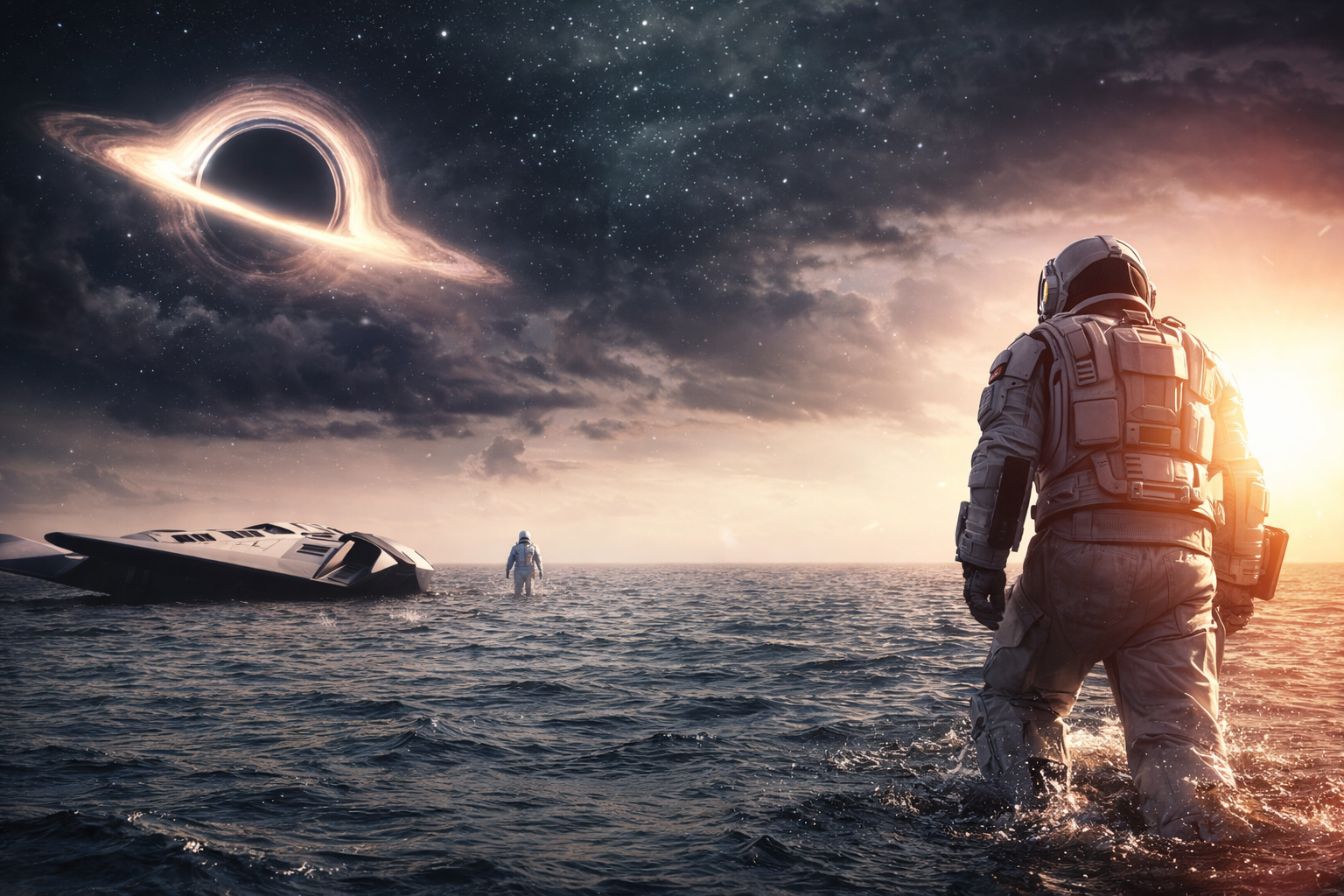
Result
Studio performance clip
Animate a dramatic portrait with lighting changes, subtle body motion, and a slow cinematic camera drift.
Upload & Configure
Grok Imagine FlowSource Image
Aspect Ratio
Credits required
220 Credits
Estimated processing
1-3 min
Output Preview
Processing Time: 1-3 min
Example Video
This preview area shows a sample result before generation. Add a prompt and optionally an image to create your own video.
Choose text-to-video or image-to-video, set the aspect ratio, preview the output, then explore example transformations and practical FAQs below.
Grok Video Examples
Strong prompts and clear source images usually produce smoother motion, more coherent scenes, and better-looking camera movement.
Source
Result
Animate a dramatic portrait with lighting changes, subtle body motion, and a slow cinematic camera drift.
Source
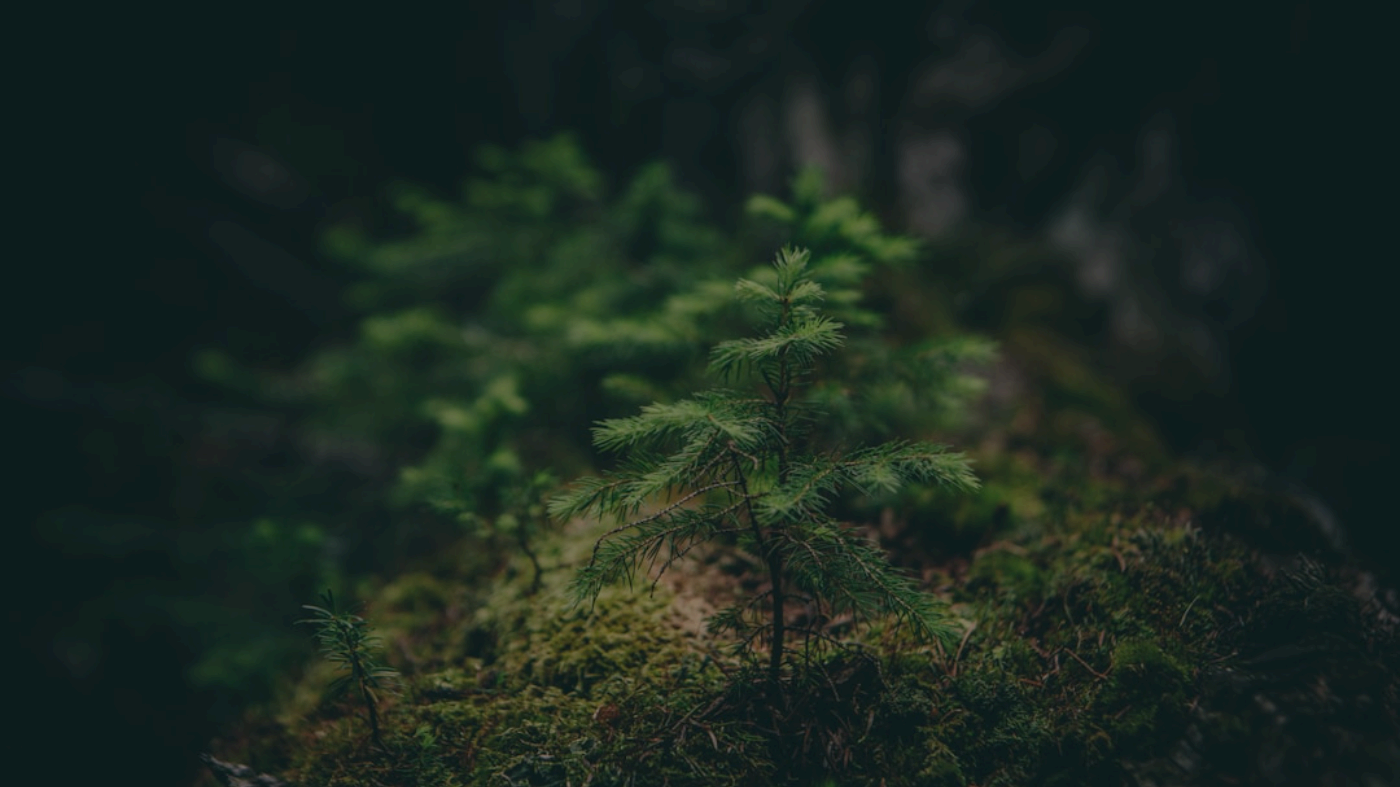
Result
Turn a static product image into a short launch video for ads, landing pages, and social content.
Source
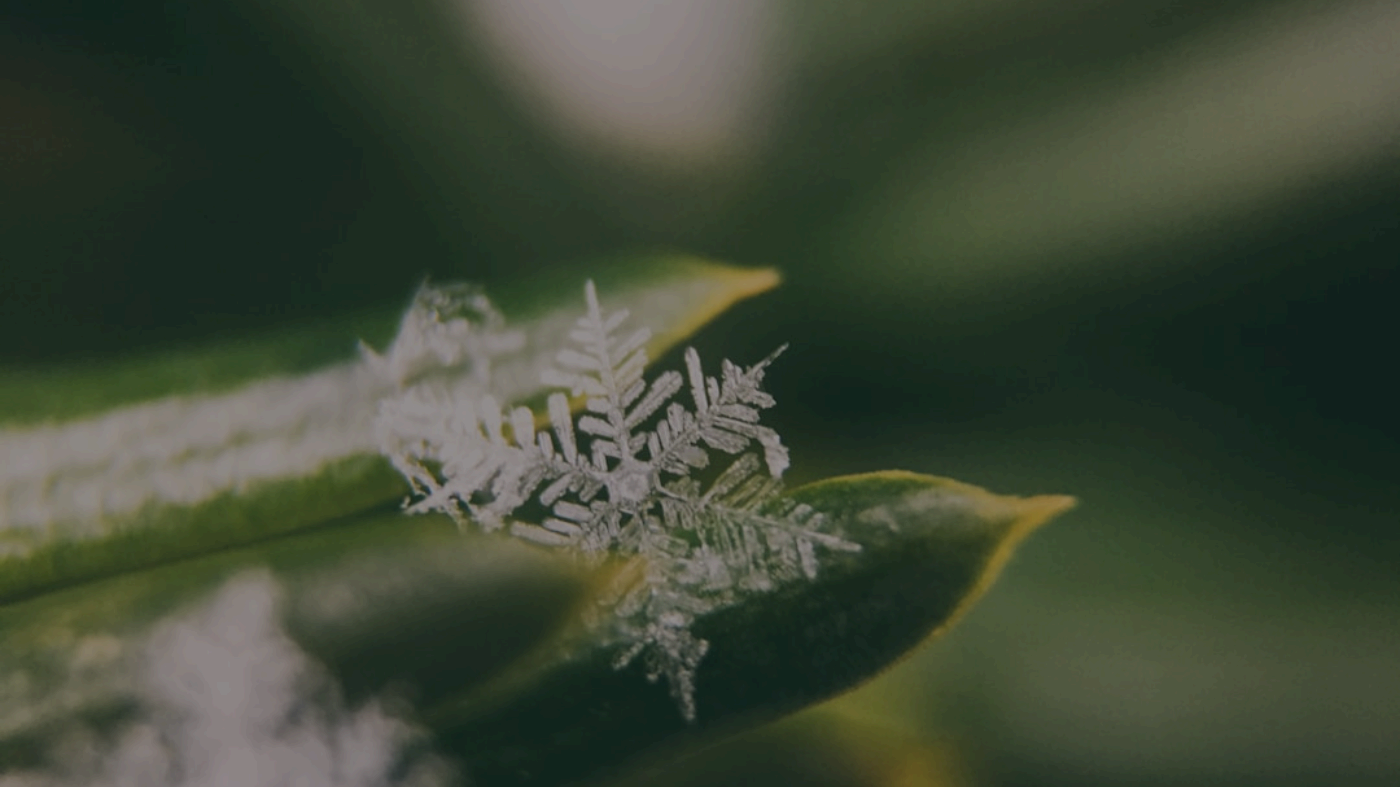
Result
Transform a still frame into a motion-rich sequence with texture, atmosphere, and polished pacing.
Grok Video FAQ
Everything you need before generating videos, from prompt quality and image uploads to output timing and credits.
Grok Video is a creator-focused AI video page for generating short cinematic clips from text prompts or uploaded images.
Use text-to-video when you want the model to invent the full scene. Use image-to-video when you already have a reference frame, product shot, or portrait that should drive the composition.
Describe the subject, movement, camera motion, lighting, mood, and pacing. Clear motion direction usually leads to better video results.
Most requests take around 1 to 3 minutes, though queue load and prompt complexity can increase the wait time.
This page supports 16:9 landscape, 9:16 vertical, and 2:3 portrait so you can create outputs for hero banners, Reels, and creator-first mobile formats.
Each Grok Video generation currently uses 220 credits on this page.
Want better motion results?
Start with a strong subject, then tell the model how the camera should move, what should animate, and what mood the final clip should convey.